Wi-Fi 7 Travel Routers Turn Hotel Desks Into Real Workstations
Compact Wi-Fi 7 travel routers are becoming a practical way to make temporary workspaces more reliable, private, and workstation-like without carrying a full networking kit.
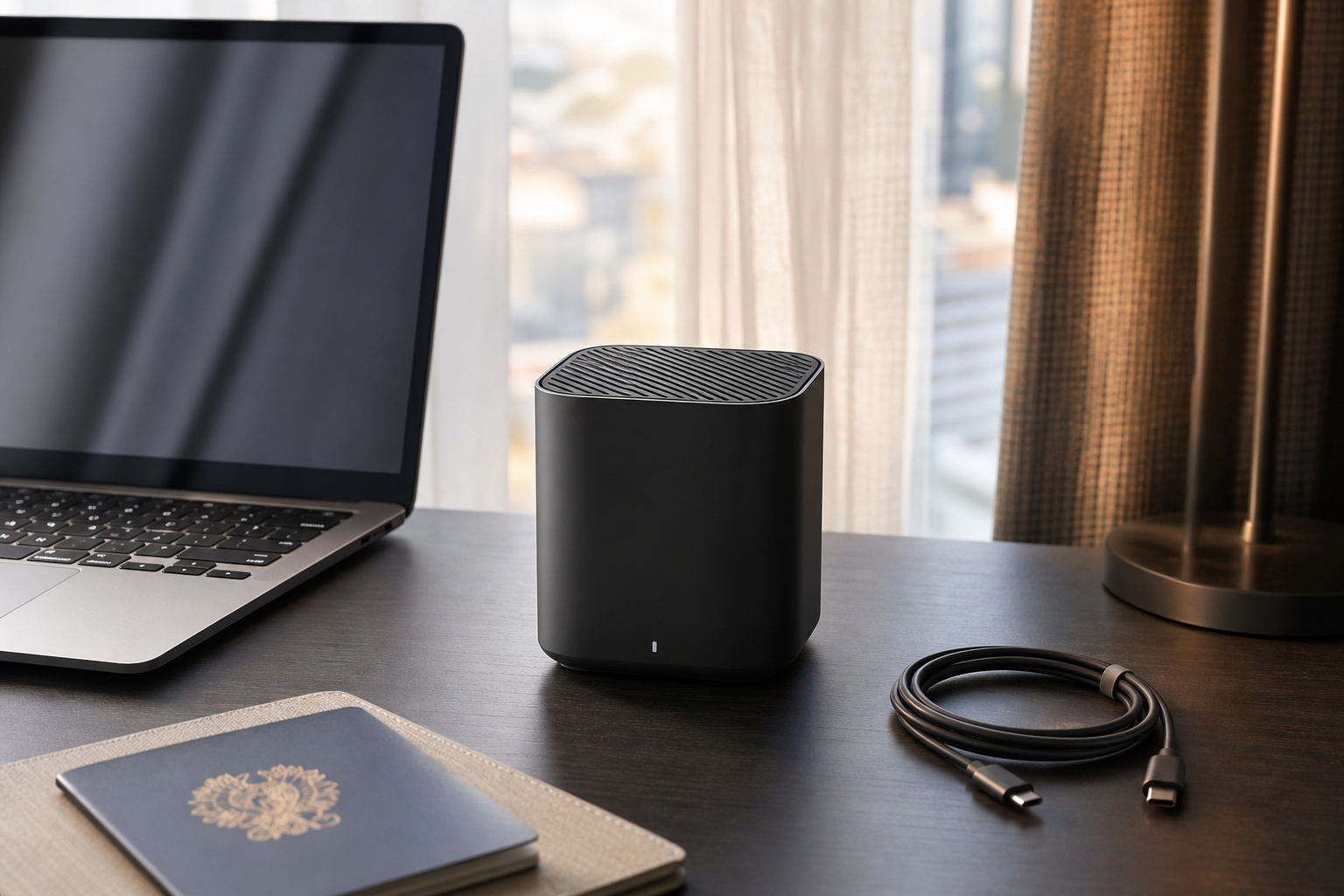
The most useful travel gadget of 2026 may not be another screen, charger, or AI assistant. It is the small router that turns unreliable guest Wi-Fi, awkward captive portals, and one-port hotel Ethernet into a stable personal workspace. Wi-Fi 7 travel routers matter because they solve a specific modern problem: work now happens in temporary rooms, but our devices still expect a trusted, predictable network.
Why a Travel Router Is Different From a Hotspot
A mobile hotspot creates internet access from a cellular connection. A travel router usually organizes whatever connection already exists: hotel Wi-Fi, apartment Ethernet, a client office guest network, or a phone tether. That distinction matters for remote workers. Instead of signing a laptop, tablet, e-reader, camera, and voice recorder into a portal one by one, the router joins once and your devices connect to the same private network every time.
The practical gain is consistency. Your laptop can find your NAS-style backup drive, your tablet can cast to a portable display adapter, and your phone can stay on the same secure SSID whether you are in a hotel, studio, or short-term rental. A good travel router becomes a tiny network boundary you control.
What Wi-Fi 7 Actually Adds on the Road
Wi-Fi 7 features sound excessive for a hotel desk, but the useful parts are not only about peak speed. Newer chips can handle more simultaneous devices, lower latency, and cleaner operation in crowded radio environments. In a building full of phones, TVs, access points, and conference attendees, that can translate into fewer stalls during cloud calls or file syncs.
The catch is that Wi-Fi 7 does not magically improve a bad upstream connection. If the hotel provides a slow 20 Mbps link, a faster local router cannot create bandwidth. Its value is local stability: keeping your own devices connected, letting you prefer Ethernet when it exists, and making the jump between rooms less painful.
The Security Case Is Boring but Strong
Travel routers are also a simple privacy tool. They let you place your devices behind your own firewall instead of exposing every device directly to a public guest network. Many models support VPN client routing, so a work laptop, tablet, and phone can all exit through the same encrypted tunnel without configuring each device separately.
That does not remove the need for sensible habits. You still need HTTPS, updated devices, and cautious handling of captive portals. It also introduces a new responsibility: the router itself needs firmware updates and a strong admin password. The security benefit is real only if the little box is maintained like infrastructure, not treated as a disposable cable.
What to Pack and What to Skip
The best setup is usually modest: a compact router, a short Ethernet cable, a reliable USB-C power source, and a saved configuration for your normal SSID and VPN. Dual Ethernet ports are useful if you want wired input and wired output. USB tethering is useful when hotel Wi-Fi collapses and your phone has better service. A physical mode switch can save time when moving between router, access point, and repeater modes.
Do not buy only for the largest number on the box. A cheaper Wi-Fi 6 travel router may be enough if you mostly use one laptop and one phone. Wi-Fi 7 makes more sense when you carry several devices, work in dense environments, or want the router to last through the next upgrade cycle. Battery-powered models sound convenient, but many desk setups are better served by stable USB-C power and less heat.
A Practical Setup Routine
Before a trip, configure the router at home. Rename the network, change the admin password, enable automatic time settings, update firmware, and test VPN routing. Pack a tiny note in your password manager with the admin address and recovery steps. When you arrive, connect the router to Ethernet first if possible; if not, join the hotel Wi-Fi through the router interface and complete the captive portal from one browser.
For client sites, ask before connecting personal networking gear. Some offices block unknown routers for good reasons. In that case, the same device can still be useful in access-point or USB tethering mode after the meeting. The point is not to bypass rules; it is to make permitted connections less fragile.
Key Takeaway
A Wi-Fi 7 travel router is worth considering when your work depends on several devices behaving as one portable workstation. Its real promise is not headline speed, but a repeatable personal network: easier logins, cleaner security, wired fallback, VPN routing, and fewer surprises when the desk changes every week.