Security Keys Are the Small Gadget That Makes Passkeys Practical
Passkeys are moving into the mainstream, but daily account security still needs a physical recovery plan. A pair of hardware security keys can make stronger login habits practical for freelancers, builders, and small teams.
The Thesis: Strong Login Habits Need a Physical Fallback
Passkeys are finally becoming a normal part of consumer and workplace login, but the practical upgrade is not only the invisible credential stored inside a phone or laptop. The real productivity win is building a small, boring recovery system around hardware security keys. A physical key turns stronger authentication into a repeatable habit: one key travels with you, one key stays safely at home or in an office, and critical accounts are enrolled before a device is lost, stolen, wiped, or replaced.
Why Passkeys Still Need Planning
The appeal of passkeys is simple: there is no reusable password to type, leak, or phish. FIDO-based authentication uses cryptographic proof, so a fake login page cannot simply collect the secret and reuse it later. That is a major improvement over passwords and one-time codes. The tradeoff is that people now need to understand where their credentials live. A phone-based passkey is convenient until the phone is broken during travel. A laptop-based credential is fast until the machine goes in for repair. A synced passkey account is comfortable until a user is locked out of the very cloud account that performs the sync. Hardware keys give the system a deliberate backup path.
The Useful Setup Is Two Keys, Not One
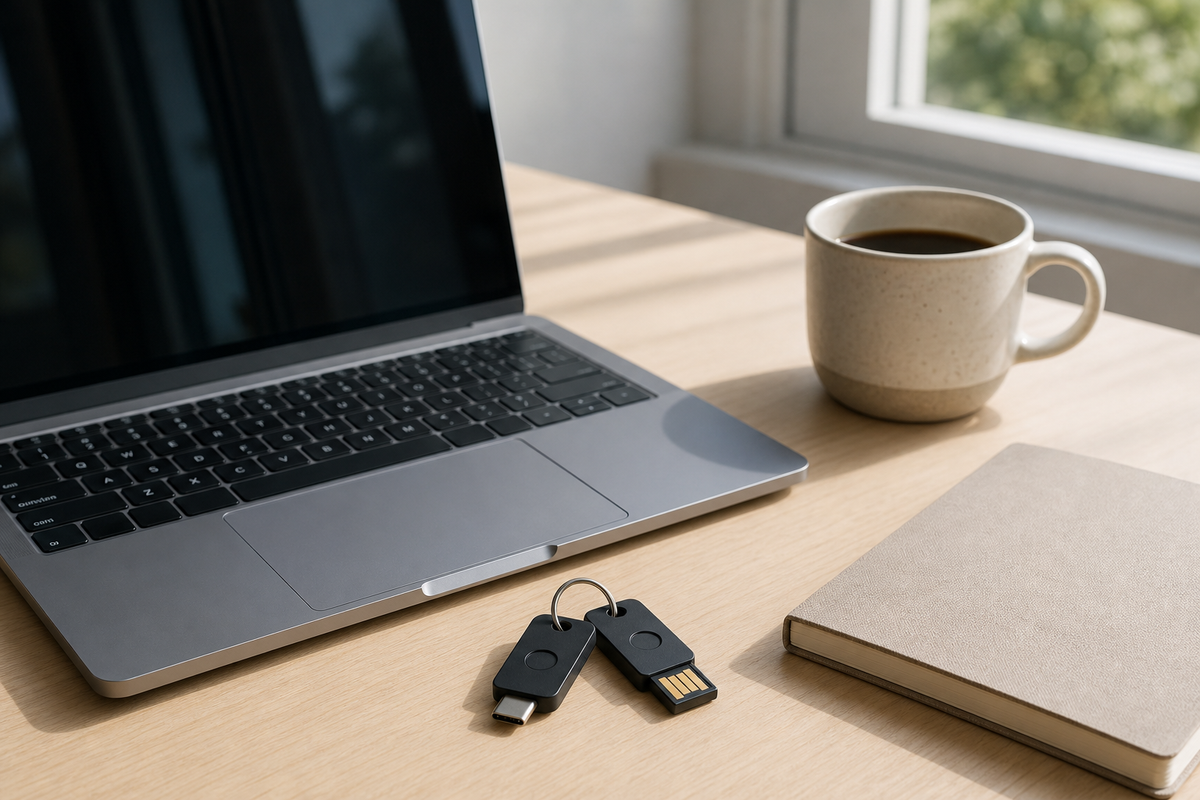
Buying a single security key is better than doing nothing, but it can create a new single point of failure. The more practical pattern is a matched pair. Enroll both keys on the same essential accounts: primary email, password manager, domain registrar, banking or brokerage accounts that support it, code hosting, cloud storage, and any admin console that can affect a project or business. Keep the daily key on a keyring or in a laptop sleeve. Keep the spare in a locked drawer, safe, or trusted office location. For a small team, document which accounts require two enrolled keys and who owns the backup. This is not glamorous, but it prevents a security upgrade from becoming an emergency support ticket.
Concrete Buying Tradeoffs
The best key is the one that matches the devices you actually use. USB-C is the safest default for modern laptops and tablets, while NFC matters if you often approve logins from a phone. Biometric keys add a fingerprint step, which can be useful for shared workstations or high-risk accounts, but they cost more and may add friction. Tiny keys that stay in a laptop port are convenient at a desk, but easier to forget when changing bags. Larger keys are less elegant, yet harder to lose. Storage capacity also matters as passkey use grows; some keys support many resident credentials, while older or cheaper models may be better suited to second-factor use than full passwordless login.
A Practical Migration Checklist
Start with the accounts that would hurt most if you lost access. Add two hardware keys to your password manager and primary email first, then test login from a private browser window before signing out everywhere. Next, enroll keys for developer, finance, hosting, and identity accounts. Save recovery codes somewhere separate from the password manager, ideally printed or stored offline. Label keys without exposing what they unlock; a small colored tag is safer than writing account names on the device. Finally, schedule a quarterly check: confirm both keys still work, remove old devices, and update the recovery note when accounts change. If a service offers multiple methods, prefer the key for everyday approval and keep weaker fallback methods restricted to recovery situations.
Key Takeaway
Security keys are not exciting because they are futuristic. They are useful because they make stronger login habits predictable. As passkeys become mainstream, the smartest gadget purchase may be a pair of small physical keys that turn account protection, travel recovery, and shared administrative access into a calm routine instead of a crisis plan.