One Claude Code Tip a Day: Set a Stop Condition Before Another Patch
Before Claude Code makes another patch, define the signal that forces it to stop: a repeated failing test, an unexplained log line, a widened diff, or evidence that the first theory was wrong.
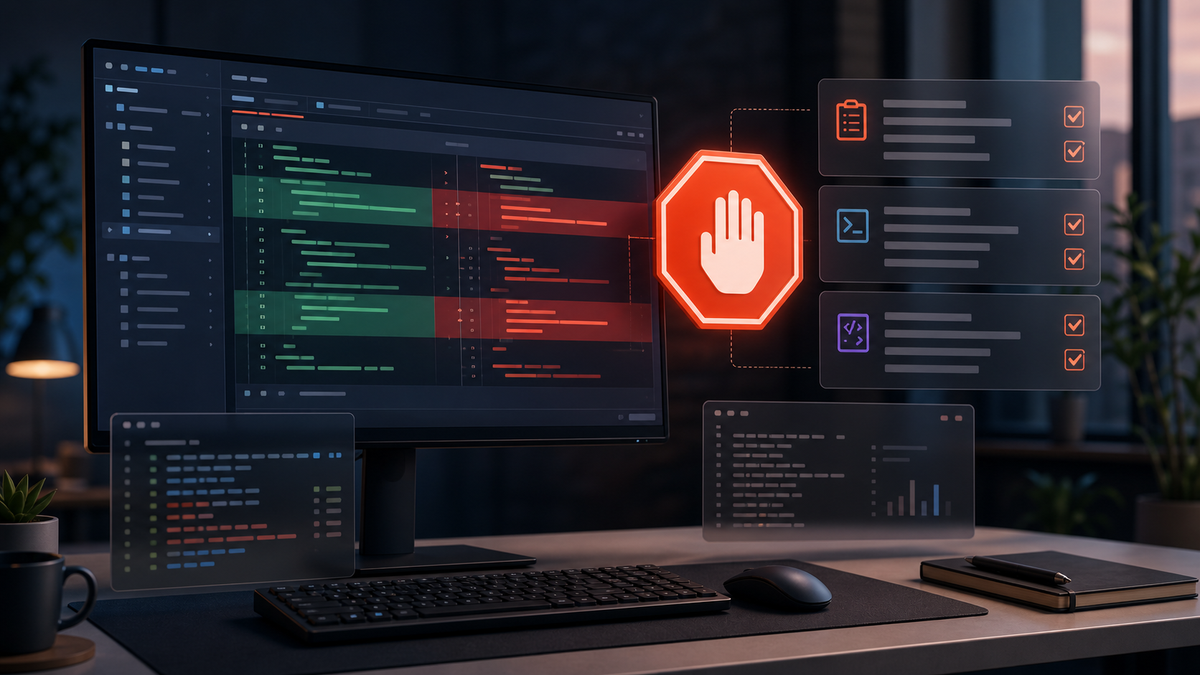
This post is part of the “One Claude Code Tip a Day” series — a daily guide to using Claude Code more effectively.
The real task: escaping the patch loop
A common Claude Code failure does not look like a dramatic mistake. It looks productive. You ask it to fix a flaky Playwright test. It changes the selector. The test still fails. It adds a wait. The test still fails. It tweaks the fixture. The test passes once, then fails in CI. After twenty minutes, the diff is larger, the theory is weaker, and nobody can say which edit mattered.
Today’s habit is to set a stop condition before Claude Code makes another patch. A stop condition is a rule that says: if this signal appears, stop editing and switch to investigation, rollback, or plan review. It is not pessimism. It is how you keep an AI coding session from mistaking motion for evidence.
Write the stop rule into the prompt
Use it when a session has already failed once, or when the code path is expensive to verify: frontend automation, auth, billing, deployment scripts, migrations, and anything with cached state. Start with a prompt like this:
`We are fixing the flaky checkout-total Playwright test. Before editing, name the most likely failure signal and the command that proves it. Make one narrow patch only. Stop and ask for a new investigation pass if the same test fails again, if the diff touches more than two files, or if the failure message changes to a different subsystem.`
That prompt gives Claude Code permission to act, but not permission to thrash. The key is that the stop condition is observable. “If this gets confusing, stop” is too soft. “If pnpm test:e2e checkout-total fails twice with the same locator timeout after one patch, stop editing and inspect the DOM/screenshot/logs” is usable.
A realistic session
Imagine a React app where the checkout summary sometimes shows the old discount after a coupon is removed. Claude reads the component and proposes that the remove button is not awaiting the cart refresh. That is plausible, so you let it patch the handler and run the focused test:
`pnpm test:e2e checkout-total.spec.ts --grep "removes coupon"`
The test fails again, but the failure moved from “expected $100, received $80” to “locator .order-total not found.” Without a stop rule, Claude may immediately add another wait, change the selector, and hide the original signal. With the rule, the next prompt is different:
`Stop editing. The failure changed from stale total to missing locator. Inspect the screenshot, DOM snapshot, and the last diff. Decide whether our patch changed rendering, whether the test setup is now wrong, or whether this is a separate failure. Do not modify files until you classify the evidence.`
Inspect before the second patch
The inspection pass should produce a short field report, not another wall of code. Ask for three things: the original hypothesis, the new evidence, and the smallest safe next move. If Claude says the selector is stale, it should point to the rendered DOM. If it says the handler patch caused a loading state, it should point to the component branch and the screenshot timestamp. If it cannot explain the new failure, the correct move may be to revert the first patch and reproduce again.
This is where the TonBisa-style loop matters: prompt, inspect, find the gap, correct, verify. The stop condition turns “try another fix” into “explain why the previous fix failed.” It also protects your git diff. A two-file patch with one failed test is easy to reason about. A seven-file patch with three evolving failures is a debugging swamp.
Useful stop conditions to reuse
For tests, stop when the same focused test fails twice after one patch, or when the failure message changes categories. For UI work, stop when the browser screenshot contradicts the assumed state. For deployment debugging, stop when logs point to a different service than the one you are editing. For refactors, stop when the diff begins mixing behavior changes with renames or formatting. For documentation, stop when Claude cannot prove the command it is documenting actually exists.
You can also define a budget: one patch, one verification command, one diff review. After that, Claude must report whether to continue, revert, or ask for more evidence. The budget is not about saving tokens; it is about preserving causality.
Failure modes
The first failure mode is making the stop rule too vague. Claude Code will happily interpret “be careful” as “continue carefully.” Use concrete signals: command names, file counts, screenshots, log lines, changed failure types.
The second failure mode is treating a stop as failure. Stopping is often the productive move. It means the session has found evidence that the current theory is weak. That is exactly when you want the model to slow down.
The third failure mode is skipping git diff review after the stop. When a patch loop begins, run `git diff` and ask Claude to separate proven changes from speculative edits. Keep the proven part; revert or quarantine the rest.
Rule of thumb
Before Claude Code makes another patch, decide what evidence would make it stop. If the session cannot name a stop condition, it is not ready for the next edit. A good AI coding loop is not prompt, patch, patch, patch. It is prompt, patch, verify, stop when the evidence changes, then correct the theory before touching the code again.