AI Mini PCs Make Local Models Feel Like Desk Tools
Compact AI mini PCs are becoming useful because they turn local model experiments into an always-available desk tool, not a separate lab project.
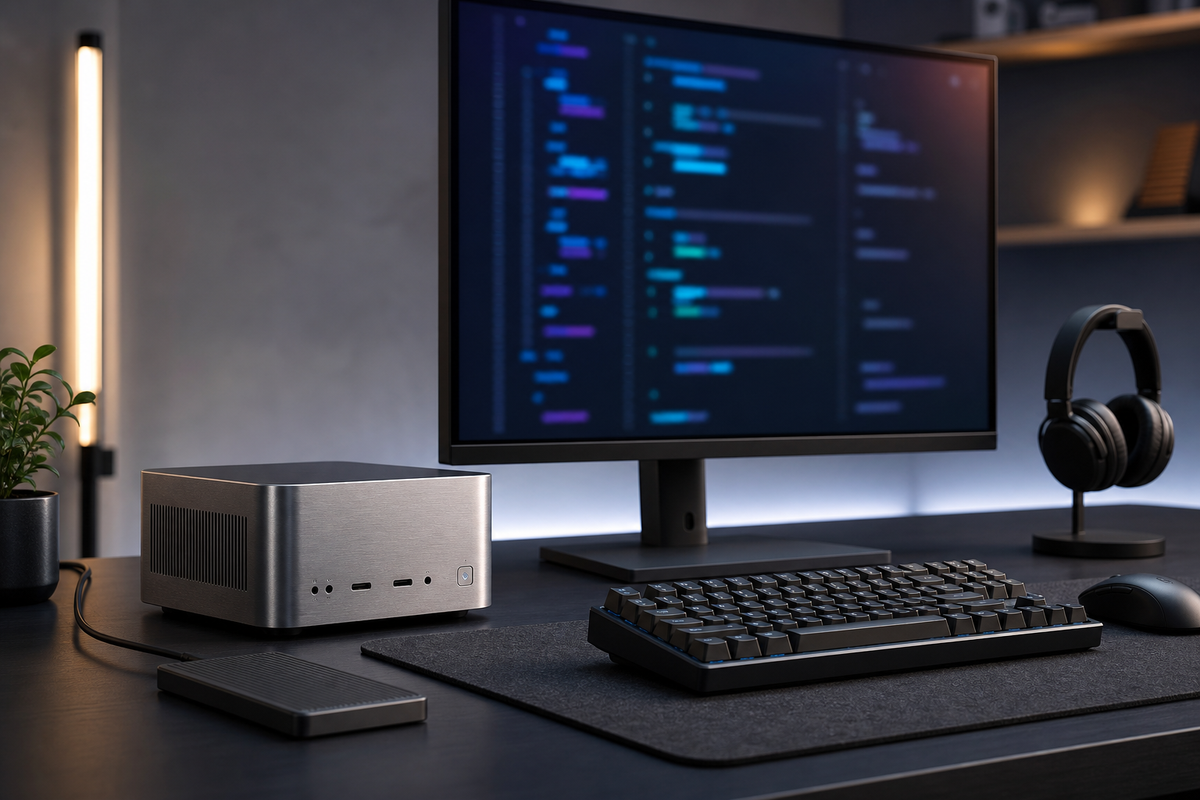
The Thesis: Local AI Needs a Boring Home on the Desk
Compact AI mini PCs are becoming useful because they make local model work feel like a normal desk tool instead of a special lab project. The thesis is simple: for developers, consultants, and small teams, the value is not raw benchmark bragging rights; it is having a quiet machine that can run prototypes, private documents, and repeatable inference jobs without sending every experiment to a cloud queue.
Why the Mini PC Format Matters
A full tower with a large graphics card is still the fastest answer for many machine-learning workloads, but it is often the wrong object for everyday product work. It takes space, uses more power, and tends to become a shared resource that people avoid touching unless they have a big task. A compact AI workstation changes the habit. It can sit next to a monitor, stay on during the workday, and handle small language models, embeddings, reranking, image preprocessing, or speech experiments as part of ordinary development. The form factor matters because access changes behavior: if the machine is always nearby, local testing happens earlier.
Unified Memory Is the Practical Spec to Watch
The most interesting 2026 systems are not just adding a neural processor badge. They are pairing efficient CPUs and GPUs with larger pools of unified memory, which is useful when a model barely fits on a typical laptop. A small team might use that memory to compare a seven-billion-parameter model against a larger quantized model, index a private knowledge base, or run a local agent workflow against synthetic test data. The tradeoff is that unified memory is still finite and not all software automatically uses every accelerator well. Buyers should look less at a single TOPS number and more at memory capacity, GPU support in the frameworks they use, cooling under sustained load, and whether the machine can be upgraded or repaired.
Where Local Beats Cloud, and Where It Does Not
Local AI is strongest when privacy, latency, and cost predictability matter. A design studio can test prompts against client notes before deciding what is safe to upload. A developer can run regression checks on generated code snippets without paying per token for every throwaway experiment. A researcher can embed a folder of PDFs repeatedly while tuning chunk size and retrieval settings. The limits are just as real. Large frontier models, heavy fine-tuning, and high-volume production inference still belong in cloud infrastructure for many teams. The better mental model is a workbench, not a data center: the mini PC helps people explore, validate, and automate small loops before they commit to larger services.
A Sensible Setup for Small Teams
A practical setup starts with one or two repeatable workflows. For example, dedicate the box to local document search, code review experiments, or transcription cleanup rather than trying to make it run every AI idea at once. Put models and datasets on a fast external SSD, track prompts and evaluation notes in a repository, and expose services only on the local network unless there is a clear security plan. Keep a simple cost comparison as well: if a local job saves cloud calls but burns hours of maintenance, it may not be a win. Also plan for noise, heat, and backups; a tiny box that throttles under a long batch or stores the only copy of evaluation data becomes another fragile dependency. The most successful setups are boringly documented, with model versions, ports, backup steps, and a restart checklist that another teammate can follow.
Key Takeaway
AI mini PCs are worth watching because they turn local models into an accessible workbench for private, low-friction experimentation. Choose them for memory headroom, software compatibility, quiet sustained performance, and clear workflows rather than headline accelerator numbers. Used well, they do not replace the cloud; they make teams smarter about what should go to the cloud in the first place.