AI Glasses Are Becoming Useful When They Do Less
The most practical AI glasses are not trying to replace phones. They win when they handle small, glanceable tasks with good privacy boundaries and low friction.
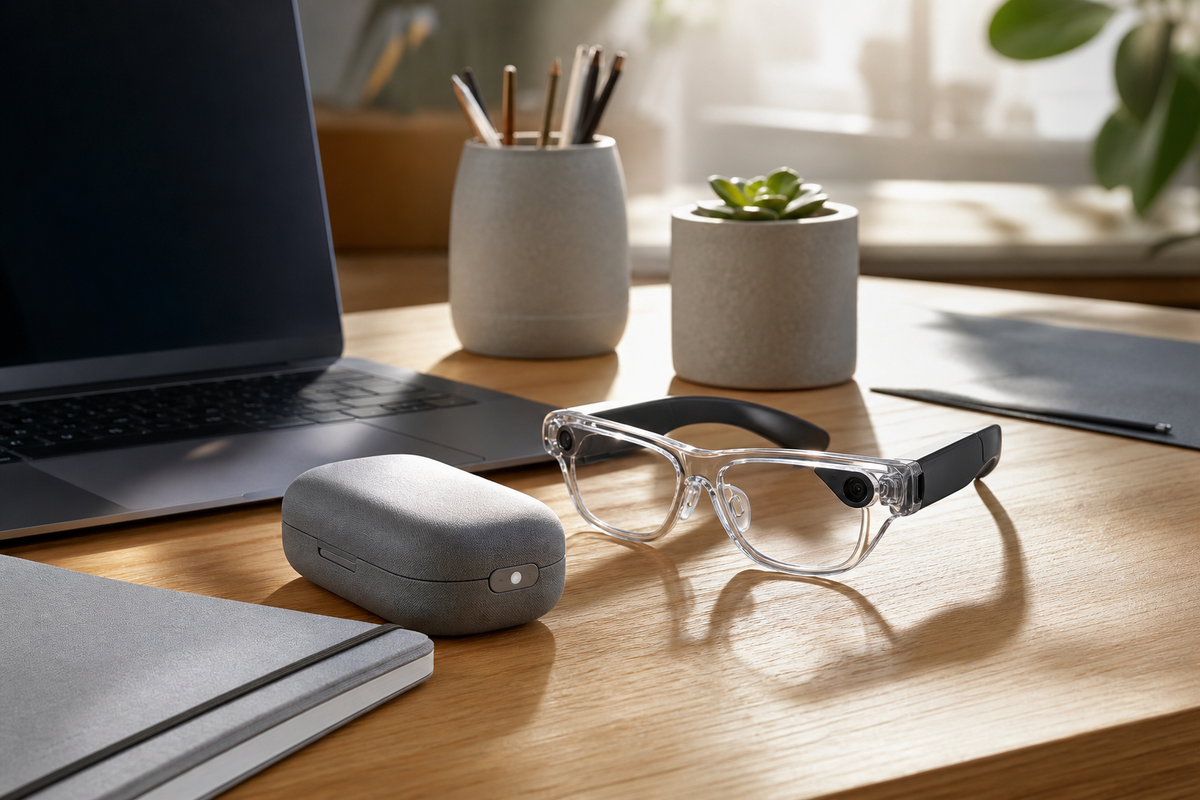
AI glasses are finally becoming interesting because the best versions are narrowing their job description. Instead of promising a full augmented-reality future on your face, the practical models in 2026 are aiming at smaller tasks: capturing a thought, checking a short notification, translating a phrase, framing a quick photo, or giving a quiet prompt while your hands stay free. That restraint matters. A wearable that lives on your nose has less room for battery, heat, privacy mistakes, and social awkwardness than a phone or laptop, so usefulness comes from doing fewer things with less friction.
The winning use case is glanceable, not immersive
The strongest argument for AI glasses is not that they create a new computer. It is that they can remove tiny interruptions from the computers we already use. A consultant walking between meetings may want a short reminder of the next client context, not a floating desktop. A parent cooking dinner may want a timer, translation, or voice note without touching a screen. A field technician may need a checklist step or a photo of a cable label while both hands are occupied. A frequent traveler may want gate changes, walking directions, or a translated menu without balancing luggage and a phone. These are modest moments, but they repeat often enough to justify a wearable if the interaction is fast, reliable, and easier than reaching for another screen.
Camera-light designs can be a feature, not a compromise
One trend worth watching is the split between camera-forward glasses and quieter designs that skip the camera or keep visual capture deliberately limited. A camera can be useful for first-person photos, object recognition, and quick documentation, but it also raises the social cost of wearing the device in offices, homes, classrooms, and cafes. Camera-light glasses may look less futuristic on a spec sheet, yet they can be easier to wear all day because they signal a narrower intent. For many buyers, the question should not be, "How much can this record?" but "Will people around me understand what it is doing?"
The real tradeoffs are battery, heat, and trust
Smart glasses have to balance three constraints that phones hide better. Battery life determines whether the product is a daily tool or a novelty that dies after lunch. Heat determines whether the frames remain comfortable during navigation, translation, or assistant sessions. Trust determines whether the wearer will use the device in public without constantly explaining it. Small displays, audio prompts, and on-device shortcuts can help, but every extra sensor and bright visual layer has a cost. The most credible products will make those costs visible: clear recording indicators, simple privacy controls, replaceable nose pads, practical charging cases, and honest estimates for mixed use rather than ideal lab numbers.
How to evaluate a pair before buying
A useful buying test is to list three routines where your phone currently feels annoying. If those routines involve hands-free capture, short reminders, translation, navigation cues, or quick calls, AI glasses may help. If they involve editing documents, managing complex dashboards, or reading long articles, a laptop, tablet, or phone is still the better tool. Buyers should also check prescription support, charging behavior, microphone quality in noisy rooms, and whether important features require a cloud subscription. For teams, a pilot with clear privacy rules is wiser than issuing glasses as a generic productivity perk. The pilot should define where recording is banned, how captured media is stored, and which workflows save enough time to justify another device to charge and support.
Key Takeaway
AI glasses become practical when they stop pretending to be the next universal computer. The best versions act like a low-friction sidecar for small moments: capture, prompt, translate, remind, and document. Choose them for repeated, hands-free tasks with clear privacy boundaries, not for the fantasy of replacing every screen.