
One Claude Code Tip a Day: Name the Files You Will Not Touch
A field guide to making Claude Code declare the files it will not touch before editing, then verifying the diff against that boundary after the first patch.
Read moreA daily English series sharing practical Claude Code tips, commands, and workflows.
A field guide to making Claude Code declare the files it will not touch before editing, then verifying the diff against that boundary after the first patch.
Read more
Use /status before a Claude Code session turns into autopilot: check the session state, name what has been proven, and decide whether to continue, compact, clear, or stop.
Read more
Use /model as a deliberate workflow choice: match model strength to task risk, evidence needs, and verification instead of always choosing the biggest option.
Read more
Use /memory for durable team rules—verification commands, style constraints, deployment cautions—not for every theory from today’s debugging session.
Read more
Use /compact as a deliberate checkpoint in long Claude Code sessions: keep the bug, evidence, decisions, diff, and verification path while dropping the noise.
Read more
When a check fails, do not ask Claude Code to “fix it.” Paste the exact failure, freeze the scope, request one hypothesis, and make the next patch prove that signal changed.
Read more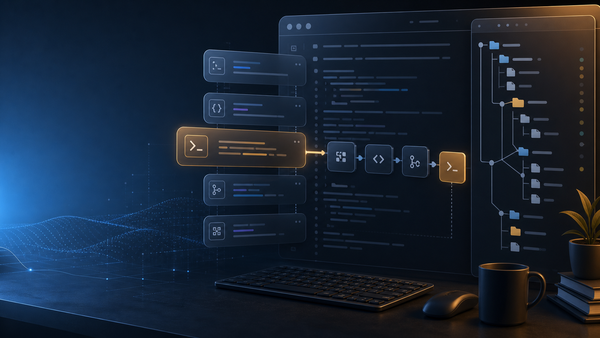
When you paste the same review or verification prompt for the third time, promote it into a project slash command with allowed tools, arguments, and a checklist tied to real evidence.
Read more
Before Claude Code edits a busy file, make it state the file contract: responsibilities, callers, invariants, side effects, and proof commands. Then review the patch against that contract.
Read more
Use /clear when a Claude Code session has accumulated wrong assumptions, failed fixes, and stale logs. Restart with a clean brief, not a clean memory.
Read more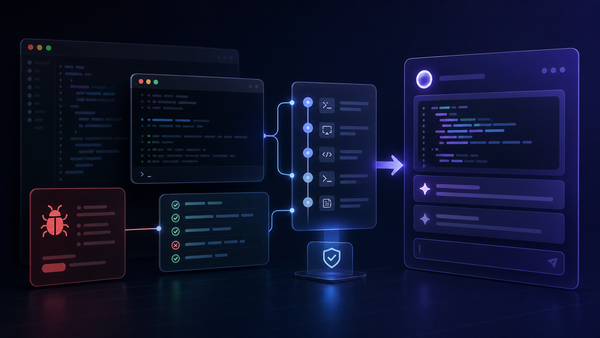
Before asking Claude Code to fix a bug, capture the exact repro path, command output, expected behavior, and one failed attempt. A repro transcript turns a vague debugging session into a focused loop.
Read more