Smart Plugs Make Energy Waste Visible Room by Room
Energy-monitoring smart plugs are most useful when they turn invisible standby draw into room-by-room decisions, not when they promise magical bill cuts.
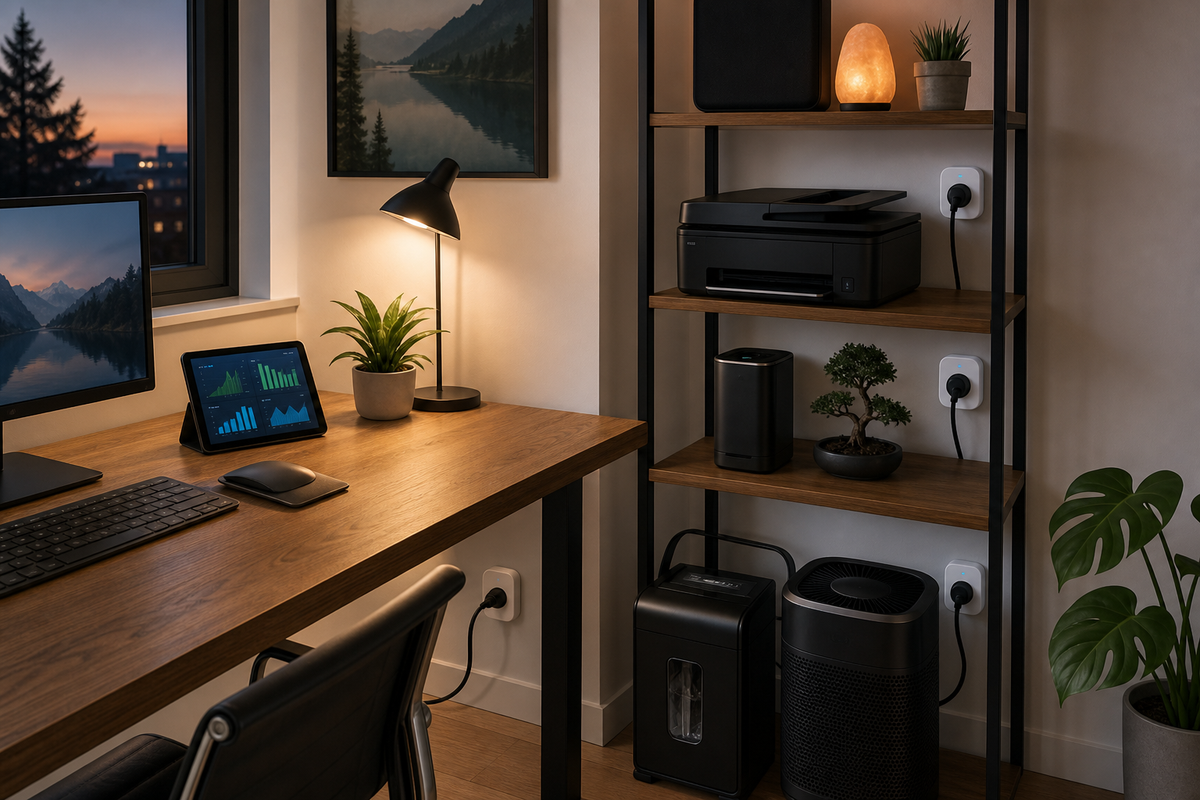
Energy-monitoring smart plugs are a better smart-home upgrade when they are treated as diagnostic tools, not as magic switches. Their real value is that they make invisible standby power visible at the exact outlet where decisions happen: the TV console, the coffee station, the printer shelf, the guest-room desk, or the charger basket. Once a household can see which devices draw power all day, it can make small, specific changes without turning energy management into a new hobby.
Start With Questions, Not Automations
The most useful deployment begins with a short audit. Put one energy-monitoring plug behind the media cabinet for a week, then move it to the office setup, kitchen counter, and laundry corner. The goal is not to automate everything on day one. It is to learn which devices have a meaningful idle draw, which ones only spike during use, and which ones should never be cut off because they need clocks, network state, or safe shutdown time.
For example, a game console, powered speakers, and an older subwoofer may draw enough standby power to justify a night schedule. A laptop dock might look wasteful until the household realizes it is charging a work machine before morning. A printer may be a good candidate for a weekday schedule, while a router, freezer, or medical device obviously should be left alone. The plug earns its keep by separating guesses from measured behavior.
Room-by-Room Visibility Beats Whole-Home Averages
Whole-home energy monitors can show a useful trend, but they often blur the small decisions that renters and apartment owners can actually make. Outlet-level readings are narrower, yet they are easier to act on. If the living room uses more standby power than expected, the fix may be a single smart power strip profile. If a guest room quietly consumes power because of chargers, a desk lamp, and an old clock radio, the fix may be a simple overnight off schedule.
This room-by-room view also helps avoid false savings. A heater, dehumidifier, or espresso machine may look dramatic because it pulls a lot of watts while running, but that does not automatically mean it is wasteful. The more interesting number is the pattern: how often it runs, how long it sits idle, and whether a schedule would create discomfort or inconvenience. Good energy automation respects the room’s purpose before it optimizes the graph.
Use Schedules Where Habits Are Stable
The best schedules are boring. A desk power strip can turn off after midnight and back on before work. A charger station can shut down once phones, headphones, and bike lights are likely full. A decorative lamp can follow sunset and bedtime. These are not glamorous automations, but they reduce the number of devices sipping power when nobody is using the room.
Watch the Tradeoffs: Heat, Safety, and Network Dependence
Smart plugs are small electrical devices, so the load matters. They are appropriate for lamps, chargers, fans, speakers, small office gear, and many countertop appliances within the plug’s rating. They are not a casual solution for high-load heaters, large motors, or anything where an unexpected cutoff could create risk. The product’s amperage rating, placement, and ventilation are part of the design, not fine print.
There is also a privacy and reliability tradeoff. Cloud dashboards can be convenient, but local logging and local automations are preferable when the goal is a quiet home system that keeps working if the internet is down. Even a weekly energy history can be enough to make a better household decision, then let the plug disappear into the background.
A Practical Three-Plug Plan
A good starter kit is three plugs. Use the first as a roaming meter for one-week audits. Use the second permanently on the highest-confidence schedule, such as an office dock or media accessory strip. Use the third for a seasonal load: a fan in summer, a humidifier in winter, or holiday lighting in December. After a month, the household will know whether more plugs would solve real problems or just create dashboard clutter.
The smartest energy setup is not the one with the most devices; it is the one that changes a few wasteful defaults without making the home feel managed by software.
Key Takeaway
Energy-monitoring smart plugs work best as room-level evidence tools: measure first, schedule only stable idle time, avoid unsafe loads, and keep the system simple enough that it saves attention as well as electricity.