Sensor Battery Maintenance Is the Smart Home Habit That Prevents Silent Failures
A smart home stays dependable when its smallest sensors are maintained deliberately. Battery alerts, placement notes, and quarterly tests prevent the quiet failures that break useful automations.
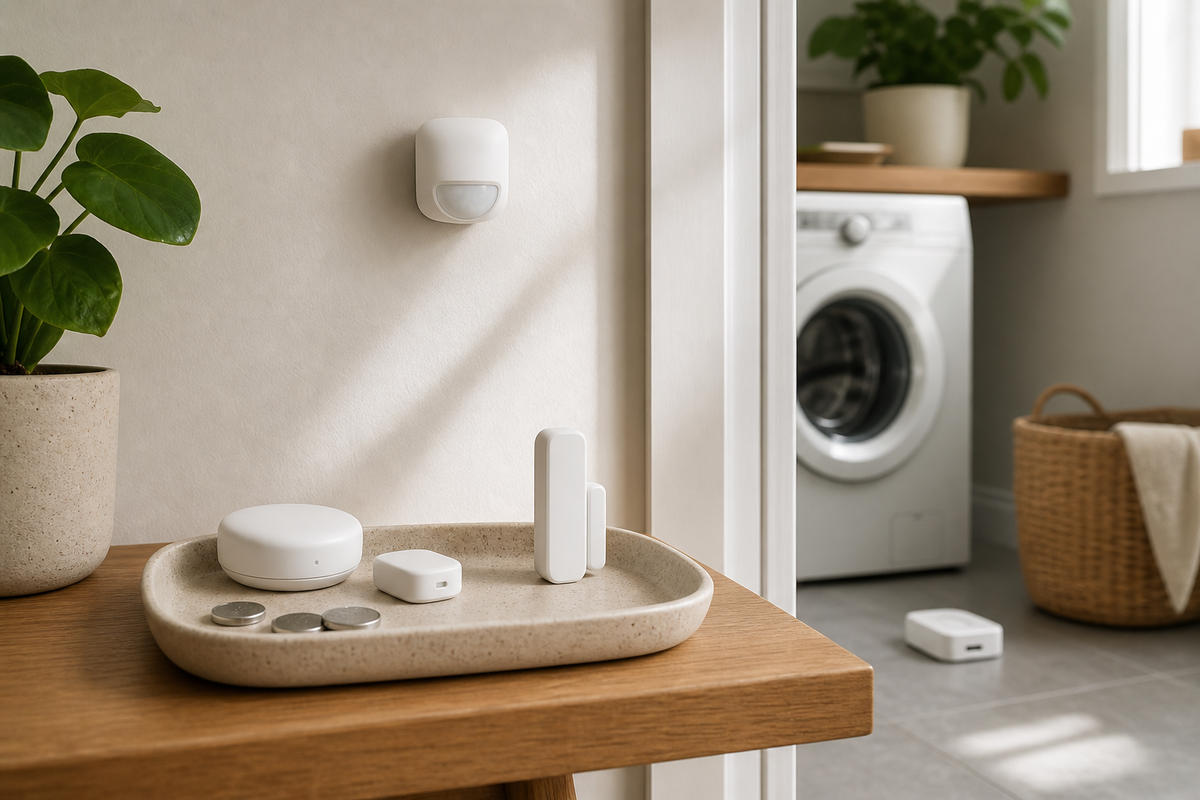
A smart home becomes unreliable long before an app throws an error: a coin-cell battery fades, a leak sensor is nudged behind a pipe, or a door contact stops reporting after months of vibration. The practical thesis is simple: sensor battery maintenance should be treated as a small home-care routine, not an occasional troubleshooting panic, because most useful automations depend on quiet devices that are easy to forget.
The Weakest Link Is Often the Smallest Device
Smart speakers, displays, and hubs get attention because they are visible. Sensors do not. A water leak sensor under a sink may sit untouched for a year. A door sensor may be hidden in a frame. A temperature sensor may be placed behind a curtain where drafts, sunlight, and dust distort readings. When these devices fail, the problem looks bigger than it is: lights stop responding, a notification never arrives, or a room feels uncomfortable because the automation lost its trigger.
This is why maintenance matters more than another feature toggle. A leak sensor that reports low battery before vacation is more valuable than a fancy rule that never runs. A motion or presence sensor that is tested quarterly can keep a hallway lighting routine dependable. A door contact with a dated battery note can prevent the classic mystery where the app shows a room closed while the real door is open.
Build a Battery Calendar, Not a Dashboard Habit
The goal is not to stare at device dashboards every morning. A better approach is a light maintenance calendar. Group battery-powered devices by room and review them every three months. Check the app for battery percentage or low-battery warnings, but also keep a simple note that lists battery type, replacement date, and location. That note can live in a notes app, a home binder, or a Home Assistant dashboard if the household already uses one.
Concrete example: label the laundry-room leak sensor as “CR2032, replaced March 2026, test near washer tray.” Label the front-door contact as “CR2450, replaced May 2026, check adhesive after hot weather.” These notes make maintenance faster because the person replacing the battery does not need to remove every cover, search manuals, or guess which cell to buy.
If a device says 100 percent for too long, treat that as suspicious rather than comforting.
Test the Sensor, Not Just the App
A battery change is only half the job. The sensor should also be tested in the real situation it is meant to monitor. For a leak detector, touch the probes with a damp paper towel and confirm the notification arrives. For a door sensor, open and close the door several times and verify the state changes quickly. For a motion sensor, walk through the actual path at night, when lighting routines matter most.
Testing exposes placement problems that battery percentages cannot show. A leak sensor may be too high to detect a small puddle. A motion sensor may face a sunny window and trigger false events. A temperature sensor may sit near a vent and overcorrect heating or cooling. Moving a sensor ten centimeters can be more effective than rewriting an automation.
Decide Where Wires Are Worth It
Battery sensors are convenient, especially for renters and finished rooms, but not every sensor should be wireless forever. High-consequence locations such as a sump area, water heater closet, or security-critical entry can justify a wired sensor, a longer-life battery, or a scheduled physical inspection. Use battery sensors where flexibility matters. Use powered devices where missed events would be expensive or replacements are annoying.
Make Maintenance Part of the Automation
The most resilient homes turn maintenance into a notification workflow. A monthly reminder can ask for a quick scan of battery levels. A quarterly routine can include leak-sensor tests, adhesive checks, camera lens cleaning, and spare battery inventory. If the home platform supports it, create an alert when any sensor has not reported for a set number of hours or days. Silence is often the first sign of failure.
Keep the automation modest. A single reminder called “Check hidden sensors” is better than ten noisy alerts that everyone learns to ignore. The routine should protect the automations people actually value: leak alerts, entry notifications, night lighting, climate comfort, and basic security.
Key Takeaway
Smart-home reliability often comes from unglamorous upkeep. Track batteries, test sensors in place, document replacements, and reserve wired or powered devices for high-risk locations. The result is a home that keeps working quietly instead of surprising you only when something fails.