Portable Monitors Are Turning Laptops Into Real Workstations
Portable USB-C monitors are becoming a practical productivity upgrade because they add workspace without forcing people into a permanent desk setup. The best choice is not the sharpest panel, but the screen that fits your workflow, power limits, and travel habits.
The Thesis: Extra Screen Space Is Becoming Portable Infrastructure
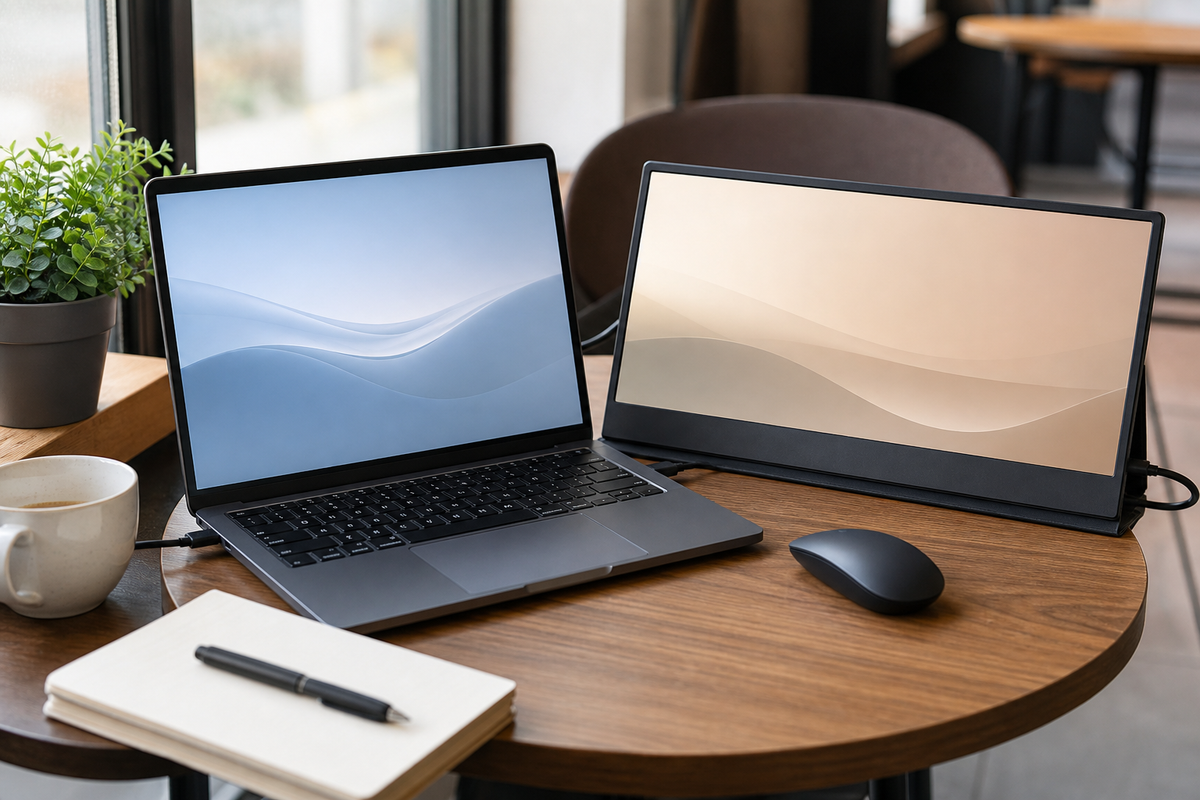
Portable monitors are turning laptops into real workstations because many people no longer work from one fixed desk, but still need more visual space than a single notebook screen can provide. The useful shift is not simply that thin displays are cheaper or brighter. It is that USB-C power, lighter stands, and better panel quality now make a second screen practical in places where a traditional monitor would be absurd: a dining table, hotel room, coworking booth, client site, or compact home office. The thesis is simple: for knowledge work, a portable display is becoming infrastructure, not a novelty accessory, when it saves context switching without adding setup friction.
Why One Laptop Screen Still Creates Friction
A modern 14-inch or 16-inch laptop can be excellent, yet it often forces users to stack too many tasks in one cramped view. Writers compare notes against drafts. Developers keep documentation beside an editor. Analysts need a spreadsheet, a browser tab, and a call window. Designers review assets while keeping a brief visible. Without extra space, the work becomes a rhythm of hiding, resizing, and hunting for the right window. That overhead feels small in one moment, but it compounds across a day. A second lightweight display changes the workflow from window management to task arrangement: the main screen becomes the active surface, while the side screen holds reference material, communication, or monitoring tools.
The Practical Buying Criteria Are Not Glamorous
The best portable monitor is usually the one that disappears into the routine. Current buying guides emphasize basics such as 1080p resolution, USB-C DisplayPort Alt Mode, brightness, stand stability, and pass-through power for good reason. A 15.6-inch 1080p panel can be sharp enough at close range, while a 4K portable display may cost more, drain more power, and produce little practical benefit for text work. Stand design matters as much as the panel: a floppy cover stand can make a good screen annoying on a narrow table. Inputs also matter. One-cable USB-C is ideal, but mini-HDMI can rescue compatibility with cameras, handheld consoles, older laptops, or small PCs.
Where Portable Screens Beat Permanent Setups
A fixed desk with a large monitor is still more comfortable for long sessions, but portable displays win when the workspace changes. A consultant can carry a screen for client workshops and use it to show a dashboard without giving up the laptop keyboard. A student in a small apartment can set up a dual-screen study station, then pack it away before dinner. A founder working from cafes can keep email or research on the side while drafting proposals. Even at home, a portable screen is useful for households where the desk is shared. The tradeoff is discipline: the extra screen should support a defined task, not become a distraction panel full of chat, feeds, and half-watched video.
Build a Repeatable Mobile Desk Kit
The most effective setup is a small kit rather than a random accessory pile. Pair the monitor with a short USB-C cable, a compact charger that can power both laptop and display, a sleeve that protects the panel, and a stand angle that works at eye level. Test the arrangement before relying on it during travel. Does the laptop supply enough power? Does the screen stay stable on a small table? Can the brightness handle daylight? Can the whole kit fit into the same bag without bending the panel? These practical checks prevent the classic gadget failure: owning a promising device that stays home because setup is too fussy.
Key Takeaway
Portable monitors are becoming valuable because they solve a concrete productivity problem: laptops are mobile, but serious work often needs more visual room. Choose for workflow first, then panel specs. A stable 1080p USB-C screen with simple power, good brightness, and a reliable stand can do more for daily output than a premium display that is fragile, power-hungry, or annoying to set up.