Local AI Workstations Are the New Team Appliance
Local AI workstations are becoming a realistic team appliance: not a replacement for cloud training clusters, but a shared, private, low-latency layer for prototyping agents, testing retrieval workflows, and keeping sensitive development tasks closer to the office.
Why the New Box Matters
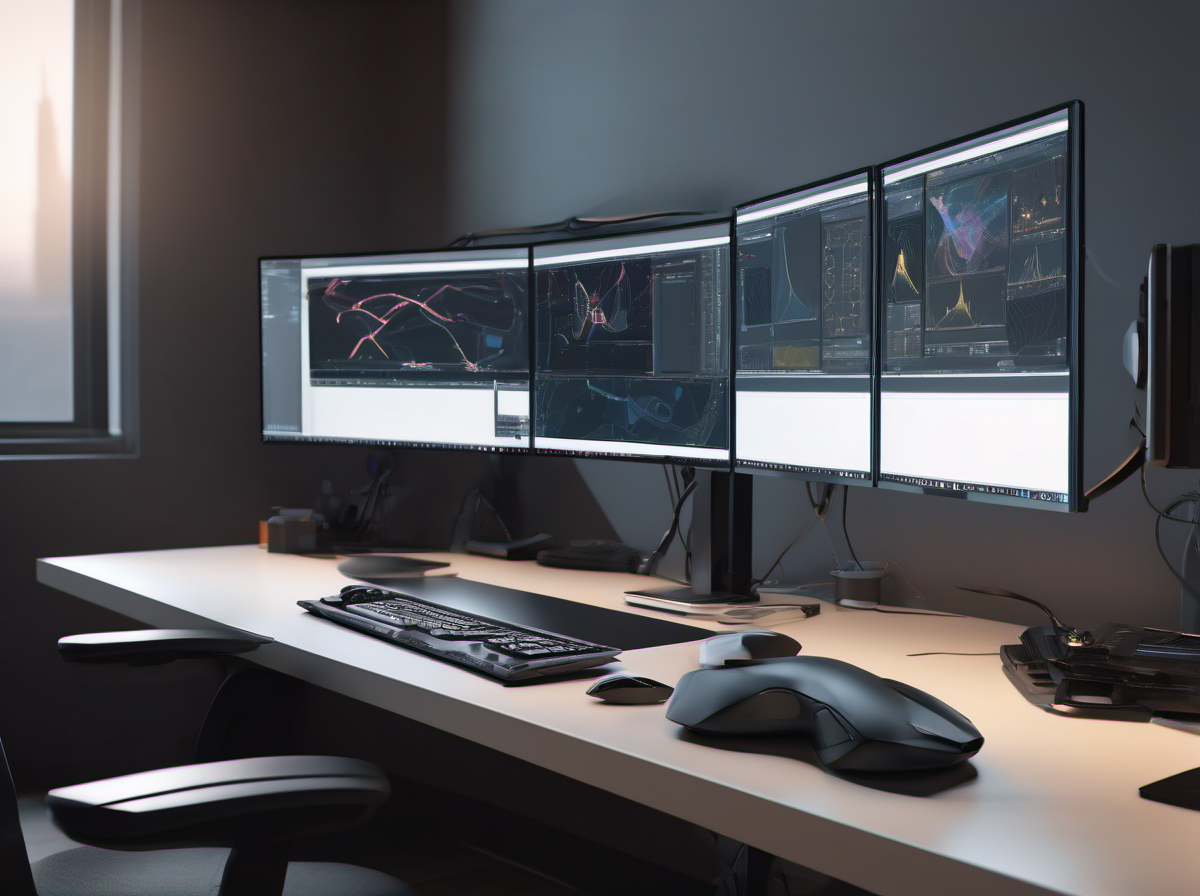
The next useful AI gadget for technical teams may not be a wearable or another chatbot button. It is the compact local AI workstation: a desk-side or small-office machine with enough GPU memory to run serious models without sending every experiment to a cloud endpoint. The thesis is simple: as agentic development moves from demos into daily workflows, teams need a middle layer between underpowered laptops and expensive rented accelerators. Recent Build 2026 coverage emphasized local agent workloads on high-memory RTX-class systems, while broader infrastructure news shows that inference efficiency is becoming a hardware priority. That combination makes the local AI box less like a toy and more like a shared appliance.
A Middle Layer, Not a Cloud Killer
Local workstations will not replace cloud GPUs for training frontier models, large-scale batch jobs, or globally distributed services. Their advantage is narrower and more practical: iteration speed. A developer can test a code-review agent, compare retrieval prompts, or run a small vision model without waiting for cloud quotas, network round trips, or procurement approvals. The economics also change when a team repeats the same inference-heavy experiments every day. A cloud instance is flexible, but idle minutes and data egress add friction. A local box has a higher upfront cost, yet it can become predictable infrastructure for prototyping, internal demos, and privacy-sensitive evaluation.
Privacy Becomes a Product Feature
The strongest case for local AI hardware is not raw speed; it is control. Many useful assistant workflows involve source code, customer tickets, product roadmaps, logs, or design documents that teams are reluctant to push through third-party APIs. A local workstation lets the team run smaller open models, embedding pipelines, and retrieval tests inside the office network. That does not automatically make the workflow safe: access controls, audit logs, disk encryption, and model-output review still matter. But it changes the default risk profile. Instead of asking whether every prompt may leave the company, teams can reserve cloud calls for tasks that clearly justify them.
What Teams Should Actually Run Locally
The best local workloads are bounded, repetitive, and latency-sensitive. Examples include a documentation assistant indexed on an internal repo, a code search tool that summarizes pull requests, a design-review bot that checks UI screenshots against a component library, or a support triage model that drafts categories before a human approves them. These tasks benefit from fast iteration more than frontier intelligence. They also expose where local AI is weaker: smaller models may hallucinate, context windows can be tight, and multimodal workflows still need careful benchmarking. The practical takeaway is to start with evaluation harnesses, not a grand promise to automate everything. Define a baseline answer set, measure response time, track failure cases, and decide which prompts still require a stronger hosted model.
The Buying Criteria Are Changing
For older developer machines, the checklist was CPU, RAM, storage, and maybe a discrete GPU. For local AI appliances, the more important questions are GPU memory, supported inference runtimes, thermal noise, power draw, and how easily the box can be shared. A machine that runs one impressive demo but sounds like a hair dryer will not survive in a studio or office. Likewise, a workstation with great peak performance but poor driver support becomes another maintenance burden. Teams should ask vendors for sustained inference numbers, model compatibility, container support, and security-management options before treating any AI workstation as production infrastructure.
Key Takeaway
Local AI workstations are valuable because they make AI experimentation boring in the best possible way: available, private, repeatable, and close to the people building products. The winning teams will not buy them for novelty. They will use them as a disciplined middle layer for prototypes, internal assistants, and evaluations, while keeping cloud GPUs for the jobs that truly need cloud scale.