Camera Alerts Should Reduce Noise, Not Record Everything
Smart home cameras are most useful when they filter household events into a few actionable alerts, not when they record every movement and send every clip to the cloud.
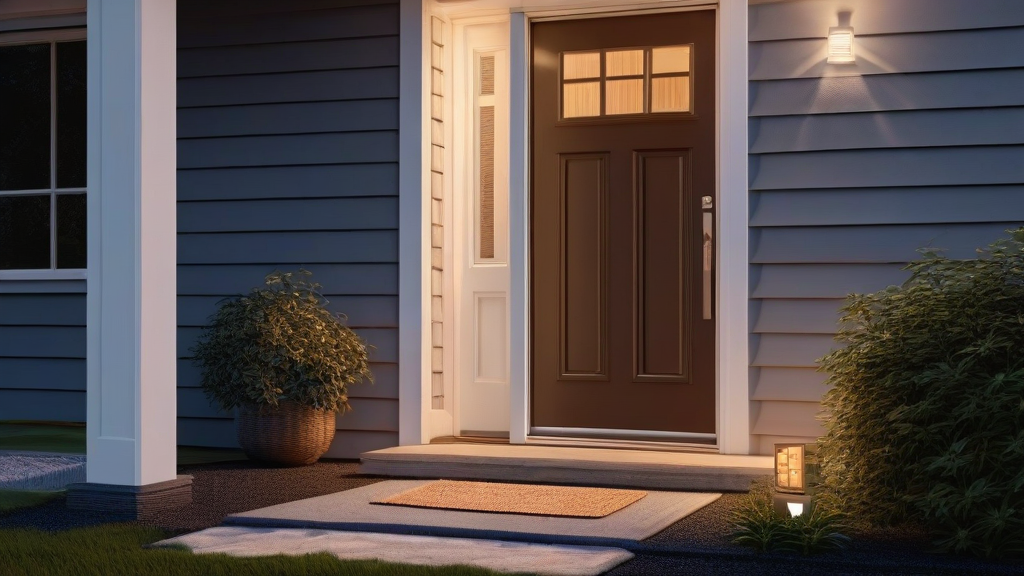
Smart home cameras are entering a more useful phase: the best setup is no longer the one that records the most footage, but the one that turns messy household activity into a small number of trustworthy alerts. The practical upgrade for 2026 is camera triage: deciding what deserves a notification, what should stay on device, what should be deleted quickly, and when a camera should be quiet. Without that discipline, even excellent hardware becomes another source of anxiety and household noise.
Start With Decisions, Not Resolution
It is tempting to shop for cameras by counting pixels, lenses, night-vision modes, and AI features. Those specs matter, but they do not answer the main question: what decision should this camera help you make? A doorbell camera might need to distinguish a package delivery from a passerby. A driveway camera might need to show whether the garage door is blocked. A side-yard camera might only matter after dark. An indoor camera might be useful during travel but inappropriate during normal family time.
Writing those decisions down changes the whole system. Instead of sending every movement to your phone, each camera gets a job. The front door watches deliveries and visitors. The back gate watches unexpected openings. The nursery or pet area operates only during defined hours. This makes the camera network feel calmer because alerts are tied to household action, not curiosity.
Activity Zones Are the Real Interface
Activity zones are more important than many people realize. A camera pointed at a street, shared hallway, tree branch, or busy sidewalk can generate endless irrelevant clips. Good zones narrow the field to what you own and what you can act on: the doormat, driveway apron, gate latch, balcony door, or package shelf.
The tradeoff is that tight zones can miss context. If a delivery person leaves a box just outside the drawn area, the event may not trigger. If the zone is too wide, every passing bicycle becomes a notification. A useful practice is to review one week of events, then adjust zones based on what actually happened. The goal is not perfect detection; it is a ratio where most alerts are worth opening.
Privacy Settings Should Be Household Defaults
A camera is different from a thermostat or lamp because it can capture people who did not choose the system. That makes default privacy settings part of the product, not an afterthought. Privacy masks should block neighbors' windows, shared walkways, and parts of the street that are not relevant. Indoor cameras should have obvious disabled states, physical shutters where possible, or schedules that turn them off when people are home.
Event retention deserves the same attention. Keeping every clip for months may feel safe, but it creates more stored personal data than many households need. A better default is short retention for routine motion, longer retention only for saved incidents, and clear rules for who can view recordings. If the camera offers local storage or subscription-free processing, evaluate it not as a slogan, but as a way to reduce unnecessary cloud exposure.
Notifications Need Severity Levels
Most camera frustration comes from treating every event as equally urgent. A person at the front door at 2 p.m. may be a silent summary. A person at the back gate at 2 a.m. may deserve an immediate alert. A package delivered during work hours might go to a home feed, while a package removed from the porch could push to a phone.
Build tiers. Critical alerts should be rare and loud. Routine alerts should be quiet or batched. Informational clips should be reviewable later. This mirrors how people already think about the home: not every event is an emergency, but a few events need fast attention. The more carefully you separate those levels, the less likely everyone is to mute the whole system.
Test the System Like a Household Tool
A camera setup should be tested with ordinary scenarios. Walk past the porch without stopping. Carry a package to the door. Open the side gate. Let a car pass at night. Ask whether the right people received the right alert at the right time. If the result is confusing, adjust the rule before adding more hardware.
Also plan for maintenance. Clean lenses, verify power, confirm storage, review access permissions, and check whether firmware updates changed detection behavior. These small habits keep camera alerts reliable without turning security into a weekend project.
Key Takeaway
Smart home cameras work best as alert-triage tools, not all-seeing archives. Define each camera's job, narrow its zones, protect private areas, limit retention, and reserve urgent notifications for events that actually require action.