Local Security Cameras Make Privacy a Design Choice
Security cameras are becoming more useful when privacy is designed into the system. Local storage, on-device detection, and selective cloud use can reduce subscription pressure without weakening everyday home awareness.
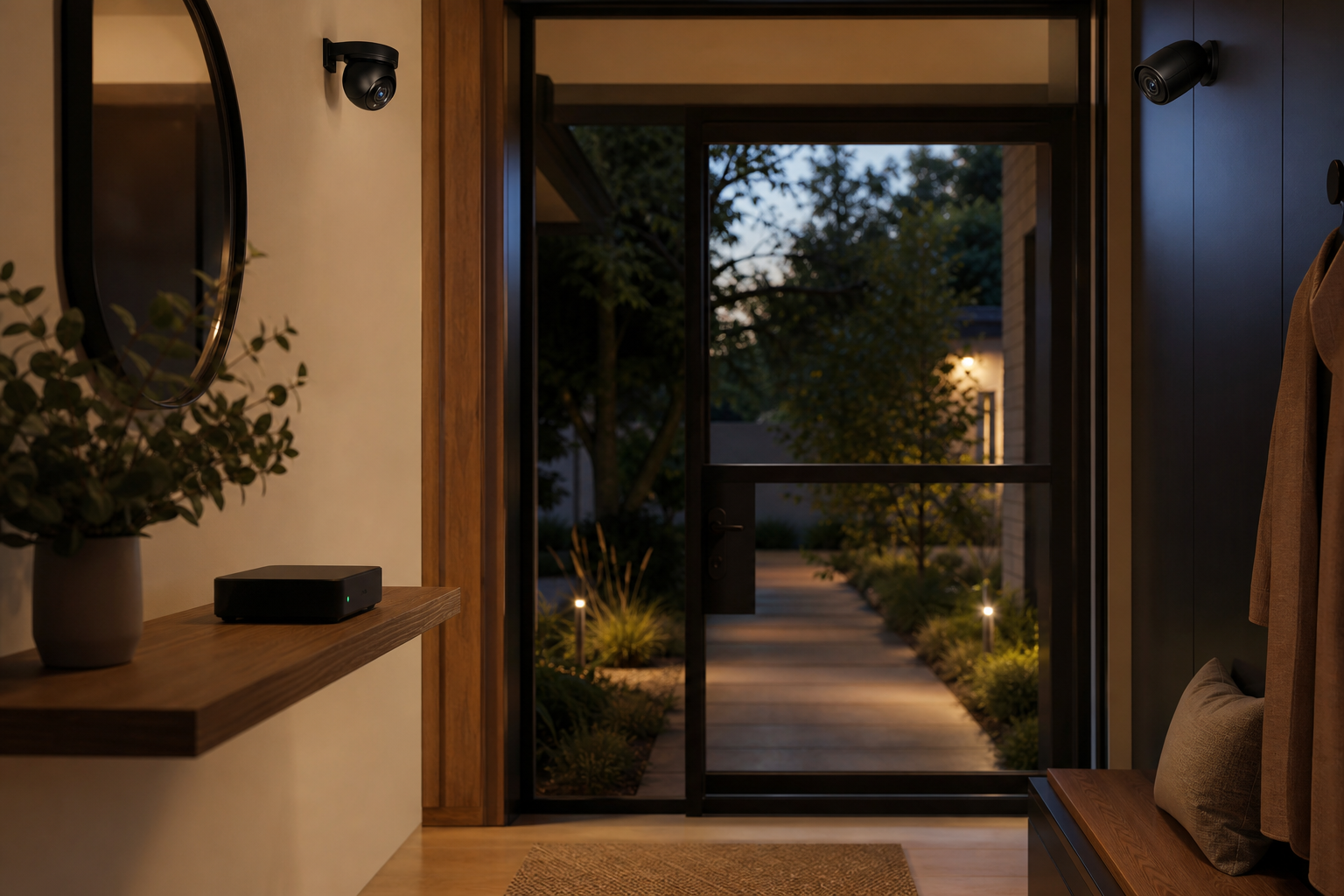
A home security camera should answer a narrow question quickly: did something important happen at the door, driveway, nursery, or garden gate? The thesis for 2026 is that the best smart-home camera setups will not be the ones that upload the most video; they will be the ones that make privacy a design choice through local storage, on-device detection, and selective cloud use.
Why the Camera Conversation Is Changing
For years, camera buying advice focused on resolution, night vision, and whether a monthly plan unlocked familiar features such as person detection, package alerts, or longer video history. Those details still matter, but households are increasingly sensitive to two quieter costs: recurring subscriptions and the amount of daily life that leaves the home network.
A front-door camera can capture visitors, neighbors, children, license plates, delivery workers, and conversations near the porch. An indoor camera can capture habits that feel much more personal than a thermostat reading. When every clip depends on a cloud account, the camera becomes less like a doorbell and more like a small private archive managed by someone else.
The practical shift is not anti-cloud. Remote backup and off-site access can be useful. The better question is which events deserve to leave the house at all.
Local Storage Changes the Default
Local storage gives the household a different starting point. Instead of uploading everything and then deciding what to delete, the system can keep routine footage on a microSD card, a base station, or a network recorder. Cloud storage becomes an optional layer for selected events rather than the default destination for every motion clip.
Consider a driveway camera. A local-first setup can record continuously to a small recorder, use on-device detection to mark cars and people, and send a phone alert only when someone crosses a defined zone near the garage. If a package disappears, the useful footage is available. If nothing happens, the clips do not need to become part of a long-term cloud library.
There are tradeoffs. Local storage can be stolen if it sits inside the camera. Network recorders need backup power if outages are common. MicroSD cards wear out and should be replaced on a schedule. But these are understandable maintenance problems, not open-ended privacy questions.
On-Device Detection Reduces Noise
The most useful privacy feature may be better filtering. Cameras that can identify people, vehicles, animals, or packages on the device reduce the need to upload raw video for basic classification. They also reduce notification fatigue, which is one of the main reasons households disable alerts after the first week.
A side-yard camera should not send ten alerts because tree shadows move across a fence. A porch camera should distinguish a person at the door from a passing car. A nursery camera should prioritize a cry, motion near the crib, or a scheduled check-in rather than streaming continuously to every phone in the house.
Good detection is not perfect. It may miss unusual angles, heavy rain, or a person partly hidden by a delivery box. That is why camera placement still matters: mount at face height where possible, avoid direct glare, and use detection zones that match the real area of concern.
Use the Cloud Deliberately
A privacy-minded system can still use cloud services. The key is deliberate scope. Use cloud backup for the front door, not necessarily for every indoor room. Use remote viewing for travel, but disable continuous indoor recording when people are home. Keep emergency sharing available, but avoid giving every family member permanent access to every camera feed.
This is where a simple household rule helps: record the perimeter by default, treat indoor cameras as temporary tools, and review access permissions every few months. The rule is easy to explain to guests, babysitters, and family members because it is based on spaces, not app settings.
Buying Criteria That Matter
When comparing cameras, look beyond headline resolution. Ask whether the device works without a paid plan, where clips are stored, whether detection happens locally, how video is encrypted, and how easy it is to export evidence when needed. Also check the boring details: replacement mounts, weather rating, power options, and whether the app allows separate permissions for viewing, downloading, and changing settings.
A cheaper camera with local storage and clear permissions may beat a sharper model that becomes frustrating without a subscription. A wired driveway camera may beat a battery model that misses events to conserve power. The right camera is the one whose privacy, maintenance, and alert behavior match the location.
Key Takeaway
Smart-home cameras are most valuable when they protect the home without turning everyday life into cloud footage. Choose local storage where possible, prefer on-device detection, reserve cloud backup for important zones, and review access like a security setting rather than a convenience feature.