Color E-Ink Notebooks Are Becoming Focus Devices
Color e-ink notebooks are not trying to replace laptops or tablets. Their advantage is narrower: calmer reading, handwritten thinking, document markup, and planning workflows where fewer apps can be a feature rather than a limitation.
The Thesis: Calm Screens Can Be a Productivity Feature
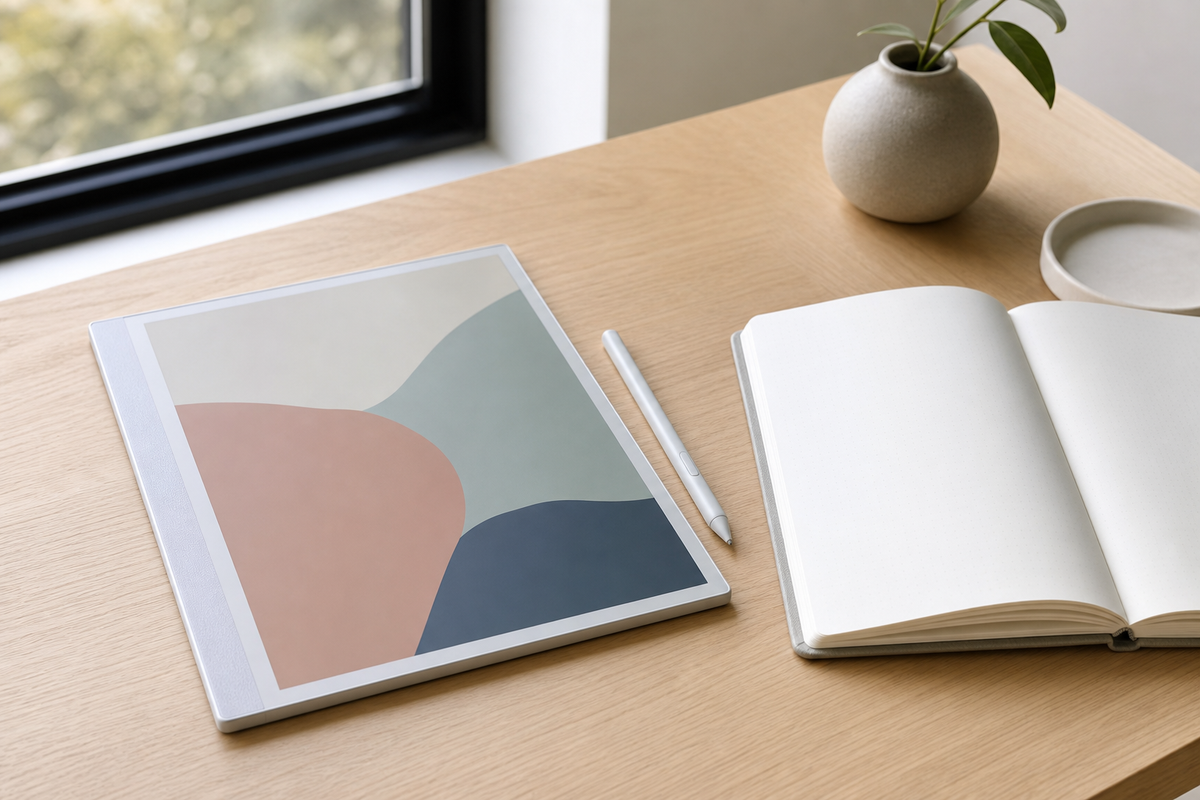
Color e-ink notebooks are becoming useful because they reject the main bargain of modern tablets: unlimited apps in exchange for unlimited distraction. Recent coverage of writing tablets, color e-ink readers, and new e-ink gadgets points to a more specific category of device, one built for reading, handwritten thinking, document markup, and weekly planning. The thesis is simple: for some knowledge work, a slower and calmer screen can produce better focus than a brighter multifunction tablet. The right question is not whether these devices can replace an iPad or a laptop. It is whether they can protect a few high-value workflows from notifications, browser tabs, and app switching.
Why Color Changes the Use Case
Black-and-white e-ink has always been strong for long reading and simple notes, but color expands the practical jobs. A designer can mark up a PDF with red revisions, blue alternatives, and yellow reminders. A student can separate definitions, examples, and questions without turning a page into a rainbow. A manager can review a product brief and visually sort risks, decisions, and follow-ups. The color does not need to match a premium tablet display. In fact, muted color can be an advantage because it keeps attention on structure instead of entertainment. The best use is not watching media; it is making information easier to scan when you return to it later.
The Tradeoff Is Intentional Friction
These devices still have real limits. Page refreshes can feel slow. Color can look soft compared with OLED. App ecosystems are smaller, handwriting recognition varies, and cloud sync can become the weak link if your team lives in several tools. That friction is not automatically bad. A notebook that makes it slightly harder to jump into social feeds may help during deep reading. A device that is poor at video may be perfect for reviewing a contract on a flight. The buying mistake is expecting one screen to handle every task or every mood. The better approach is to assign the e-ink notebook a protected role: capture, review, annotate, and plan, then measure whether it reduces unfinished notes after two weeks.
Concrete Workflows That Make Sense
A strong setup starts with repeatable rituals. Use the device for a morning planning page, with three priorities, meetings, and a short shutdown note. Keep a folder for long articles or reports that deserve slower reading. Export meeting notes immediately after each session, using consistent filenames so the notebook does not become a private archive nobody can search. For document review, create a simple color code: red for changes, blue for questions, green for approved sections, and yellow for context to verify. For travel, preload books, manuals, tickets, and reference PDFs, then treat the long battery life as insurance against outlet hunting.
How to Evaluate Before Buying
Do not choose by screen size alone. Test the pen feel, palm rejection, export options, file formats, and whether the device can send notes to the places you already use. Check how many steps it takes to open a PDF, mark it up, and share it back. Look for battery life in real mixed use, not just standby claims. Consider whether you need front lighting, expandable storage, keyboard support, or a subscription. If your work depends on live collaboration, a regular tablet may still be better. If your pain is scattered reading and half-finished notes, the calmer device may solve the more important problem.
Key Takeaway
Color e-ink notebooks are compelling when treated as focus devices, not weaker tablets. Their value comes from a narrow promise: fewer distractions, longer reading sessions, useful markup, and planning habits that survive busy weeks. Buy one only if you can name the workflows it will protect, and keep everything else on the faster screens you already own.